There’s actually an option in Outlook to prevent that from happening which I definitely use. I want to be able to see the invitation in my inbox, so that I can see when it arrived, when which updates came, etc.
The only problem: that option isn’t available AFAIK in the “new” outlook. Goddammit Microsoft.
Want to view mail headers to check if the mail is legit? Though tits, bro, no can do. Either save the mail as .eml and open it in a notes app or switch back to Outlook Classic.
Want to run a rule manually, but have notifications for it turned on? Lmao, are you stupid? You can’t do that. This particular bug has been reported over a year ago and they still haven’t fixed it.
I fucking hate working with this piece of shit and other Micro$lop products.
New outlook is awful. When I first got forced to switch it didn’t show you tooltip with where a link was actually going before clicking on it - you know, the thing literally every mandatory phishing training has told you to do!
They have actually fixed that now but it was ages without it.
My current pet peeve is it doesn’t tell me about new emails in shared mailboxes. We have a shared support mailbox and I have to remember to go and check it manually. It doesn’t even update the unread email count until you open the inbox.
Man, I hate it when a piece of software updates and is all nice-looking and whatnot… but doesn’t at least have all the same features as the legacy one. Especially when it’s a forced update. Microsoft loves to do this with Teams, Outlook, Word, etc.
OneNote, too. I have a section where when someone creates a new page, it follows a template. Among other things, it contains the list of usual participants for a meeting series.
Now, the issue is that one of the people is long gone. And I can’t do anything about that because they removed the ability to change the template.
Honestly, the new outlook is an enshitified outlook from all I can tell. Built as a web app (with resource usage to match), looks nice, but with less functionality. I really hope we can keep the standard outlook as long as possible.
I’m pretty sure the date until which you’ll be allowed to use “Legacy” Outlook is tied to the type of license that you have. If I’m not mistaken it will be supported in 2024 LTSC until 2029 (supposedly), but other licenses will likely deprecate it sooner.

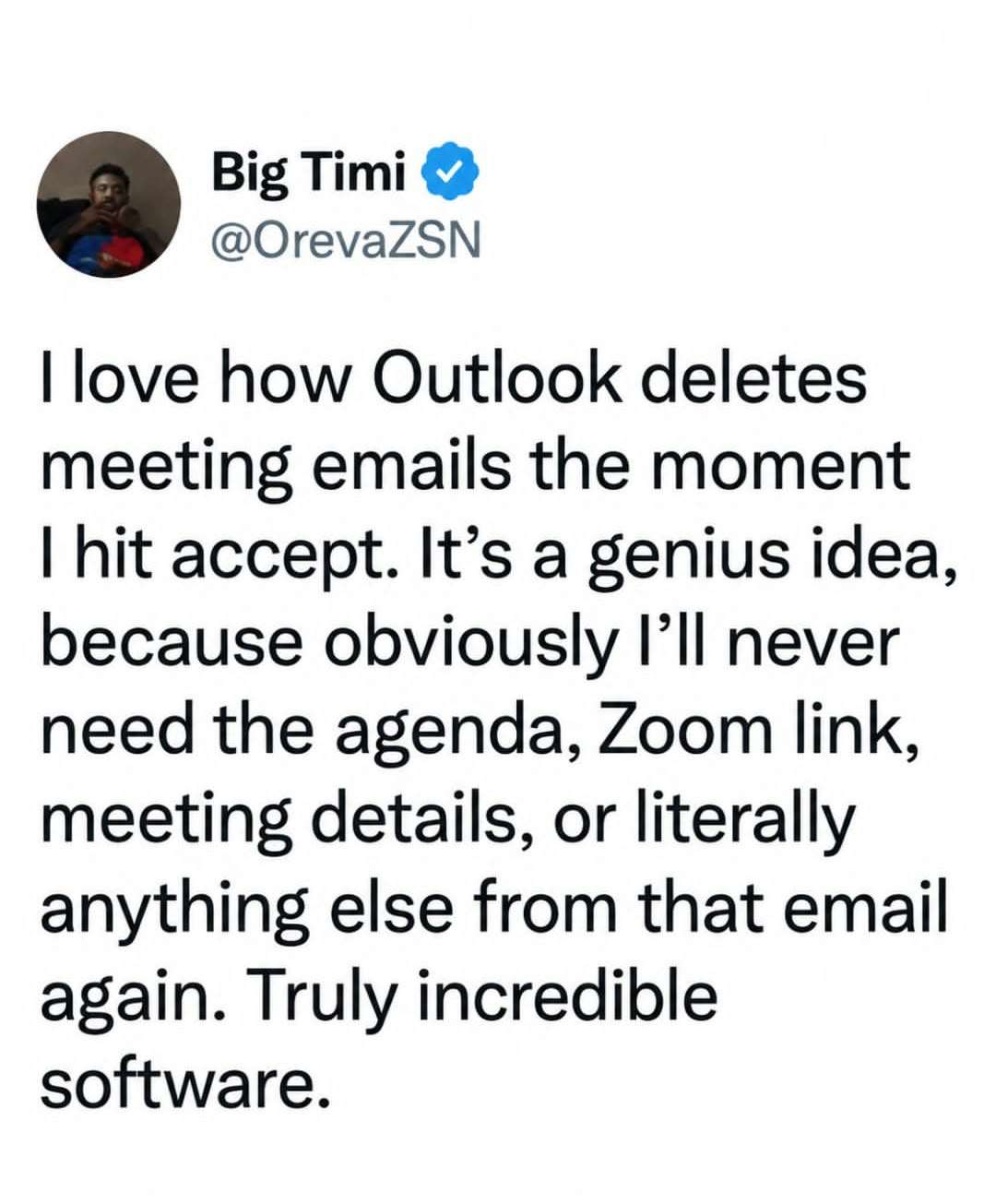
There’s actually an option in Outlook to prevent that from happening which I definitely use. I want to be able to see the invitation in my inbox, so that I can see when it arrived, when which updates came, etc.
The only problem: that option isn’t available AFAIK in the “new” outlook. Goddammit Microsoft.
New Outlook is such a pieceof shit.
Want to view mail headers to check if the mail is legit? Though tits, bro, no can do. Either save the mail as .eml and open it in a notes app or switch back to Outlook Classic.
Want to run a rule manually, but have notifications for it turned on? Lmao, are you stupid? You can’t do that. This particular bug has been reported over a year ago and they still haven’t fixed it.
I fucking hate working with this piece of shit and other Micro$lop products.
New outlook is awful. When I first got forced to switch it didn’t show you tooltip with where a link was actually going before clicking on it - you know, the thing literally every mandatory phishing training has told you to do!
They have actually fixed that now but it was ages without it.
My current pet peeve is it doesn’t tell me about new emails in shared mailboxes. We have a shared support mailbox and I have to remember to go and check it manually. It doesn’t even update the unread email count until you open the inbox.
I exclusively used owa for years. You may find the settings are different there. Or not. But I prefer it to the thick client.
Man, I hate it when a piece of software updates and is all nice-looking and whatnot… but doesn’t at least have all the same features as the legacy one. Especially when it’s a forced update. Microsoft loves to do this with Teams, Outlook, Word, etc.
OneNote, too. I have a section where when someone creates a new page, it follows a template. Among other things, it contains the list of usual participants for a meeting series.
Now, the issue is that one of the people is long gone. And I can’t do anything about that because they removed the ability to change the template.
Honestly, the new outlook is an enshitified outlook from all I can tell. Built as a web app (with resource usage to match), looks nice, but with less functionality. I really hope we can keep the standard outlook as long as possible.
I’m pretty sure the date until which you’ll be allowed to use “Legacy” Outlook is tied to the type of license that you have. If I’m not mistaken it will be supported in 2024 LTSC until 2029 (supposedly), but other licenses will likely deprecate it sooner.
Which is why after 25 years of using outlook, I am figuring out how to make thunderbird my maine driver.