Imagine someone sends you an invite to a meeting a couple of weeks or months out. You accept. The next day you need to check something that was in that meeting invite. Fuck, was that meeting set in march or april? And what was it called? There are like three plausible names for it… Woldn’t it be nice to just scroll down to yesterdays emails and have it there?
Either treat invites as a message, or do some completely separate calendar-notification system. But the inbetween is kinda the worst of both worlds.
Honest question: how do you have 1000+ deleted emails a week? Do you process one email every 2 min for 37 hours a week? They cannot be important all of them, right?
Especially when protocol is to add every meeting you receive to the calendar. It’s easy to miss stuff when you’ve got 8 triple booked meetings in a day and you only actually NEED to attend 1 in every 5 or so meetings.
Basically nobody has good hygiene when it comes to meetings, emails, or messages anymore “fuck it, I will send it to the whole team” - dumb assholes trying to look busy.
You have a good point that there needs to be a way to set priorities. For people with many meetings, responding as accept, reject, or tentative is not enough choices
Copilot agent. I made one to accept and decline meetings based on learned context. Gave it some basic rules and tuned it a little over time. No more fucking around cleaning up my calendar. If something is questionable, it messages me to decide.
That is now the past and I do not miss it one bit.
Have you actually used the search in Outlook? The search seems non-deterministic and will happily deliver some results, but not necessarily all. And if you fire the same search again, it might even list a different number of results from before. It’s quite usable if there’s only a few results and all of them are quite recent/in the next days. But get a larger number of results and it will fall apart quickly
I tried to search for something in Outlook last week. A particular message from a retailer I’d bought something from.
A message from them was at the top of the inbox, having just been received, but I needed an earlier, the date of which was unknown. So I searched for the name of the retailer.
Despite there being an email RIGHT THERE, Outlook decided that no, I did not, in fact, have any messages at all from any sender of that name. Not in any of my inboxes. Nope.
As insane as my work calendar is, yes. I’ve accepted meetings and days later needed to go back to find the entry. Unless you memorize when they meeting was you’re going to have to find that manually. It’s a very avoidable inconvenience.
no, they could have been received different days, that is why losing them from inbox is a pain. It doesn’t happen when you are a junior/intern/small company, but in big companies you end up receiving a ton of invites, being able to easily access the one you accepted today, two hours ago or two days ago by reception date rather than meeting date is a huge help. You basically have an additional sorting of those invite emails.
to the point where I just don’t accept any to keep them in the inbox.
The fact that your particular use case doesn’t need this, doesn’t mean everyone else is doing it wrong. jeezz, the audacity of people… you must work for Microslop, they think exactly like you: “if I don’t need it, surely no one does, or they are doing something wrong”
In my case (and I suppose in the case of the majority) processes invitations would simply clutter up email and duplicate information that is already in the calendar and available there for searching and viewing.
In case this wasn’t a sarcastic/rethorical question:
In a thread of people complaining about the problems they have with the subject, it is easily taken as audacious to ask “do you really have that problem” without further elaboration as it sounds like incredulity, disbelief or minimization of the reality of the problem. When you start that way and then continue just asking questions, the initial impression is only strengthened.

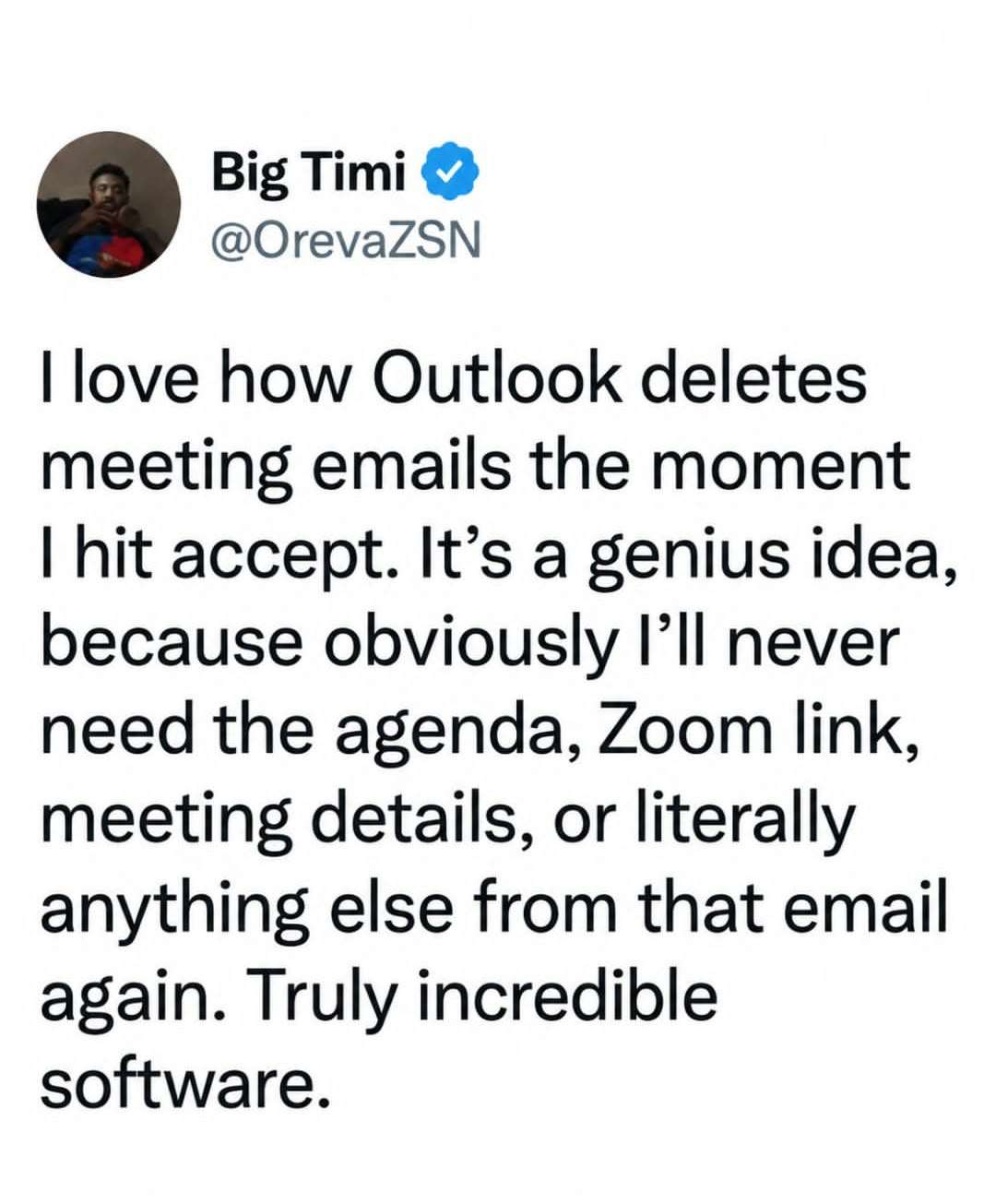
Or, you know, the email could just not delete.
No, let’s continue to be a Microslop apologist. /s
That’s a setting.
Not anymore. It’s been deprecated, as insane as that sounds.
They’re “streamlining the user experience” by taking away all those confusing options and settings!
Eww… Fuckin Microsoft strikes again
Do you really have troubles with finding stuff in your calendar?
Imagine someone sends you an invite to a meeting a couple of weeks or months out. You accept. The next day you need to check something that was in that meeting invite. Fuck, was that meeting set in march or april? And what was it called? There are like three plausible names for it… Woldn’t it be nice to just scroll down to yesterdays emails and have it there?
Either treat invites as a message, or do some completely separate calendar-notification system. But the inbetween is kinda the worst of both worlds.
I just look in Deleted Items
I have hundreds if not thousands deleted emails per week. Searching the deleted folder is a pain.
Im glad this topic got brought up because I thought I was the only one having this issue.
Thank goodness I only have to attend about 10 meetings a month.
Honest question: how do you have 1000+ deleted emails a week? Do you process one email every 2 min for 37 hours a week? They cannot be important all of them, right?
The company sends my team unnecessary emails. Everybody on my team has a rule to have them auto delete but they still show up in the deleted folder.
My team also receive 20-40 emails a day that should be read but aren’t worth saving that also get deleted.
I work for a known global company.
I’m starting to think Microslop isn’t the problem here.
The root cause? No. Unnecessarily making problems worse by deciding that everyone wants their meeting emails deleted when they accept? Yes.
I just don’t accept meetings to solve this
“Could I be the one who’s wrong? No, it’s the users who are wrong!” -Microsoft
In a corporate role you can have hundreds of meetings a month. Yeah, they can get lost.
Especially when protocol is to add every meeting you receive to the calendar. It’s easy to miss stuff when you’ve got 8 triple booked meetings in a day and you only actually NEED to attend 1 in every 5 or so meetings.
Basically nobody has good hygiene when it comes to meetings, emails, or messages anymore “fuck it, I will send it to the whole team” - dumb assholes trying to look busy.
You have a good point that there needs to be a way to set priorities. For people with many meetings, responding as accept, reject, or tentative is not enough choices
Copilot agent. I made one to accept and decline meetings based on learned context. Gave it some basic rules and tuned it a little over time. No more fucking around cleaning up my calendar. If something is questionable, it messages me to decide. That is now the past and I do not miss it one bit.
One of the worst things about corporate roles is spending so long in meetings you cant actually action anything that comes up in the meetings.
Have you actually used the search in Outlook? The search seems non-deterministic and will happily deliver some results, but not necessarily all. And if you fire the same search again, it might even list a different number of results from before. It’s quite usable if there’s only a few results and all of them are quite recent/in the next days. But get a larger number of results and it will fall apart quickly
I tried to search for something in Outlook last week. A particular message from a retailer I’d bought something from.
A message from them was at the top of the inbox, having just been received, but I needed an earlier, the date of which was unknown. So I searched for the name of the retailer.
Despite there being an email RIGHT THERE, Outlook decided that no, I did not, in fact, have any messages at all from any sender of that name. Not in any of my inboxes. Nope.
Stupid shit. I hate it.
Stupid work PC.
I have given up and just use the web version of outlook. It genuinely works better as sad as that sounds.
As insane as my work calendar is, yes. I’ve accepted meetings and days later needed to go back to find the entry. Unless you memorize when they meeting was you’re going to have to find that manually. It’s a very avoidable inconvenience.
Check out this guy that has two meetings a week. And none of them have similar titles, attendees or anything.
Then they would be similar in mail form, wouldn’t they?
no, they could have been received different days, that is why losing them from inbox is a pain. It doesn’t happen when you are a junior/intern/small company, but in big companies you end up receiving a ton of invites, being able to easily access the one you accepted today, two hours ago or two days ago by reception date rather than meeting date is a huge help. You basically have an additional sorting of those invite emails.
to the point where I just don’t accept any to keep them in the inbox.
The fact that your particular use case doesn’t need this, doesn’t mean everyone else is doing it wrong. jeezz, the audacity of people… you must work for Microslop, they think exactly like you: “if I don’t need it, surely no one does, or they are doing something wrong”
By the way: in UX you can’t please everyone.
In my case (and I suppose in the case of the majority) processes invitations would simply clutter up email and duplicate information that is already in the calendar and available there for searching and viewing.
I’m simply asking questions. Is that considered audacity?
In case this wasn’t a sarcastic/rethorical question:
In a thread of people complaining about the problems they have with the subject, it is easily taken as audacious to ask “do you really have that problem” without further elaboration as it sounds like incredulity, disbelief or minimization of the reality of the problem. When you start that way and then continue just asking questions, the initial impression is only strengthened.
yes. I have meetings for around a dozen projects at any week in time, and some people really suck at titling meetings.
“issues touchpoint” OKAY BUT FOR WHICH ISSUES ON WHICH PROJECT, JESSICA
the one about titling meetings in emails properly.