Yeah, Excel has its issues, but if someone works on a document for 18 hours without hitting the save button, that’s on them. I have Excel defaulting to have auto-save turned on and it has greatly reduced the amount of times I have to tell people their data is gone.
Of course, there are people who turn it off because they don’t like it. But they know that if Excel crashes on them and they lose their work, I can’t do anything about it.
Unless they changed it recently, you can’t. It’s ridiculous and an aggressive sales tactic to get more people using one drive so ms has direct access to user files, plus some even pay them for a subscription.
There’s workarounds, like addons can still trigger a save and it’s possible for outside tools to send ctrl+s signals periodically. But as far as I know (and a quick search doesn’t contradict this), current versions of ms office refuse to autosave local files.
Meanwhile I have issues with Excel because I’ll have 2 spreadsheets open, then Office auto updates overnight so when I log in the next morning I open it back up and have like 7 “saved states” I need to select through

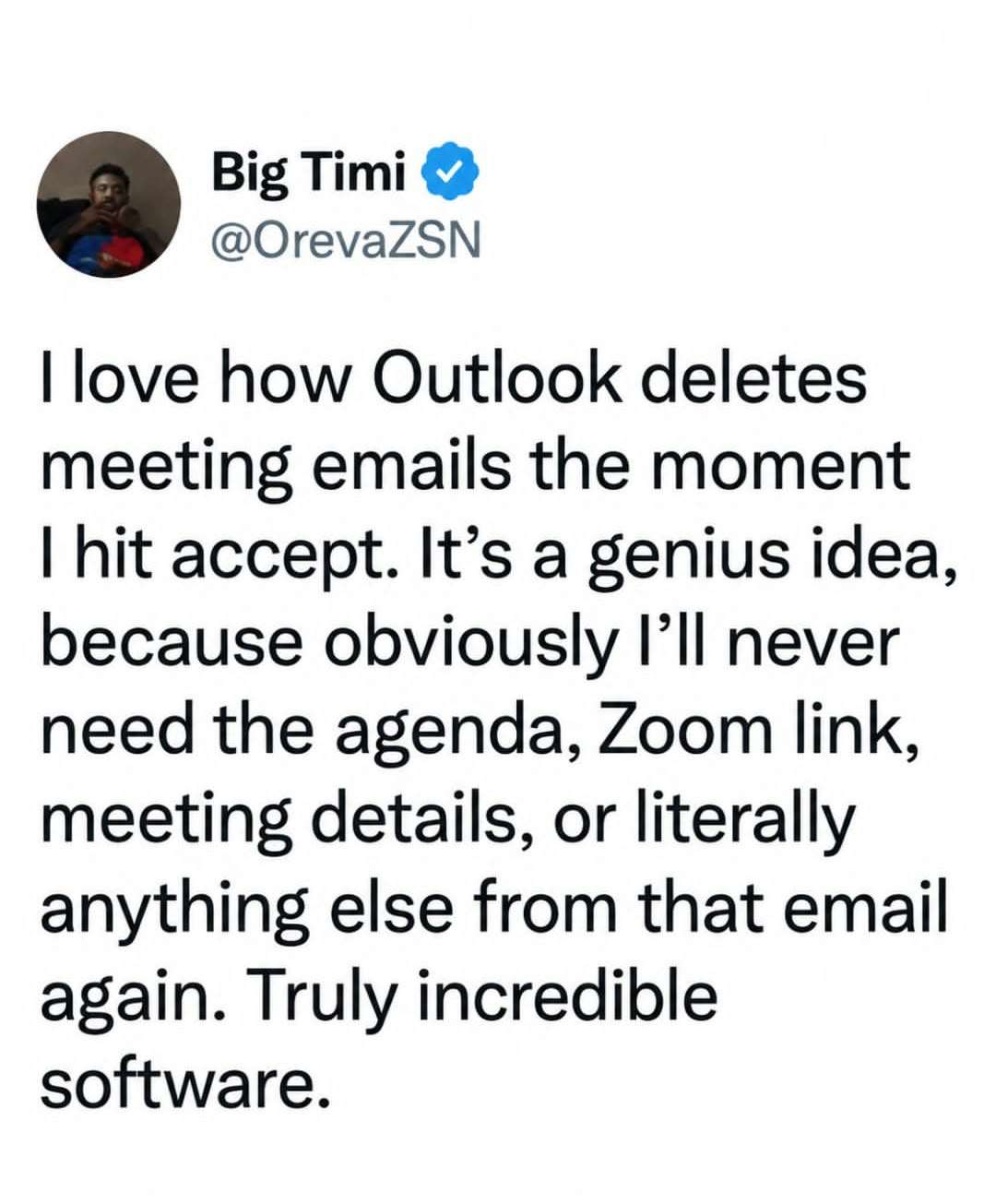
Yeah, Excel has its issues, but if someone works on a document for 18 hours without hitting the save button, that’s on them. I have Excel defaulting to have auto-save turned on and it has greatly reduced the amount of times I have to tell people their data is gone. Of course, there are people who turn it off because they don’t like it. But they know that if Excel crashes on them and they lose their work, I can’t do anything about it.
Or people who can’t turn it on because they don’t want to store their data on Microsoft’s computer and MS is a very hostile salesman.
You can turn it on with a local file too
Unless they changed it recently, you can’t. It’s ridiculous and an aggressive sales tactic to get more people using one drive so ms has direct access to user files, plus some even pay them for a subscription.
There’s workarounds, like addons can still trigger a save and it’s possible for outside tools to send ctrl+s signals periodically. But as far as I know (and a quick search doesn’t contradict this), current versions of ms office refuse to autosave local files.
Meanwhile I have issues with Excel because I’ll have 2 spreadsheets open, then Office auto updates overnight so when I log in the next morning I open it back up and have like 7 “saved states” I need to select through