Only if the organizer set a reminder for 15 minutes. If they do not set a reminder, you do not get one. Yes, the organizer sets the reminder time. It’s stupid.
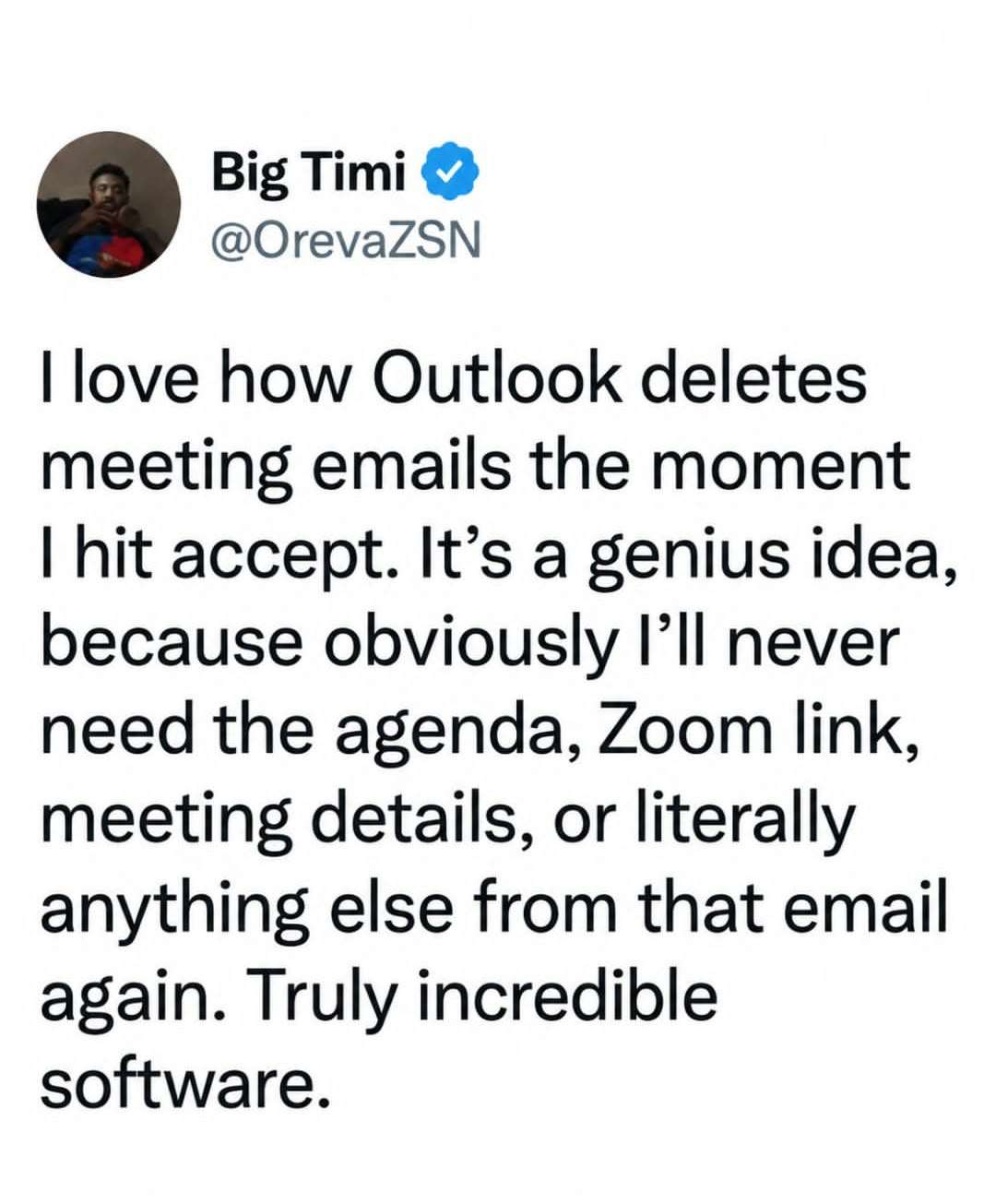
With regards to this meme: you can find the invite by checking your deleted items or just looking for it in your calendar.
I have been in such meetings, where the organizer didn’t have a reminder set, and because of it several key people didn’t get a reminder and either missed the meeting or arrived late.
Sorry, but no, if I am running a company’s IT department, I don’t care about the official standards, I care about how well the software will work with actual reality.
And if a random hyper compliant communications software won’t work with Outlook, then it is rejected out of hand.
So, while your oppinion might be accurate in terms of idiology, but that fails to account for real life
I’m not taking the IT manager’s POV. I’m speaking from the point of view of the Outlook PM and developer. Their product has a bug because it doesn’t follow spec. They’re the ones who have a responsibility to fix it.

Only if the organizer set a reminder for 15 minutes. If they do not set a reminder, you do not get one. Yes, the organizer sets the reminder time. It’s stupid.
With regards to this meme: you can find the invite by checking your deleted items or just looking for it in your calendar.
Huh? You set your alert preferences, not the organizer.
That would be the expectation, yes. In my experience that is not (always) the case.
You can find several examples online of users complaining about this to Microsoft, going back to at least 2014.
No, it’s the reality. The organizer does not set reminders.
The organizer would have to deliberately disable the reminder…
How else does one manage to skip out on a meeting that one really doesn’t want to hold?
“Sorry boss, I tried. Had to reschedule, cause half the meeting never showed.”
The only thing worse than organizing a meeting you don’t want to hold, is doing it twice
I have been in such meetings, where the organizer didn’t have a reminder set, and because of it several key people didn’t get a reminder and either missed the meeting or arrived late.
The organizer doesn’t set reminders in the first place, except for their own alerts.
Since it’s working with open protocols, you can’t guarantee that. Someone could be using Thunderbird or some other client with a different setting.
True, but why would any email client just ignore that crucial peice of data from the most common email client?
Even if the devs dislike it, ignoring it would only make it seem as if your client is the one with the issues.
No, I mean from the other side. The meeting organizer could be using an email client that doesn’t set a reminder by default.
The question still remains, I would not use a client that the most common email client is incompatible with.
Regardless of if the most common cliebt is idiotic, it is still the de facto standard.
Incompatibility with a standard is the problem of the incompatible program, not the standard.
Sorry, but no, if I am running a company’s IT department, I don’t care about the official standards, I care about how well the software will work with actual reality.
And if a random hyper compliant communications software won’t work with Outlook, then it is rejected out of hand.
So, while your oppinion might be accurate in terms of idiology, but that fails to account for real life
I’m not taking the IT manager’s POV. I’m speaking from the point of view of the Outlook PM and developer. Their product has a bug because it doesn’t follow spec. They’re the ones who have a responsibility to fix it.